top of page


GET STARTED FOR LOGIT – THE BASICS
LOGIN FOR THE FIRST TIME
Normally all new users will receive an email from LOGIT after an admin user in the organization has created a user for you. When you receive the email, you need to click the button in the email to verify the email and set your password.
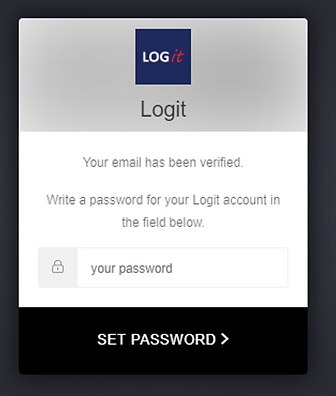
When you have clicked the button, your browser will open, and you are asked to define a password.
After your password has been set, you need to log in with your email and the password you just defined.
After you have clicked "Log in", you will enter Logit.


bottom of page